
October 9, 2026 in Blend momentum
Autopilot Update: Getting the Details Right

Most of what we shipped this cycle has a single thread running through it: what the agent does when it hits something it cannot complete.
And that’s a more interesting problem than it sounds. An agent that succeeds is easy to evaluate. When an agent can’t complete a task, it can fail in a few ways. It can guess at a cause and tell the borrower something untrue. It can invent a request the file does not support. It can report a blocker that is not really a blocker and stop a loan that was fine. The better outcome is to report precisely what it found, route it to the right person, and stop.
That’s what connects the updates below: helping Autopilot handle uncertainty more accurately.
Let’s dive in.
Document review and follow-ups
Clearer handling of documents flagged by security checks
Autopilot runs content checks on the documents it processes. These include checks for prompt injection, which is when text inside a document attempts to influence or redirect the AI’s behavior. If a document triggers one of these checks, Autopilot blocks it from being processed.
What’s changed: Before, Autopilot could mistake one of these blocks for a problem with the file and ask the borrower to upload another copy. Now it clearly distinguishes between a security block and a problem with the document itself.
- It’s designed not to suggest a cause for the block or ask the borrower to upload a different copy.
- It tells the loan officer that an automated security check blocked the document and that manual review is needed.
- When the block happens during a run that generates a run card, Autopilot automatically flags the document for lender review.
- When no run card is available, Autopilot tells the loan officer that no review flag was created and that they need to review the document directly.
- Other documents submitted in the same request continue processing normally.
Borrowers should no longer receive unnecessary requests to fix documents when the actual issue requires lender review. Loan officers also get a more accurate explanation of what happened and what they need to do next.
Better follow-ups when a borrower uploads the wrong document
Some document requests are automatically marked complete as soon as a borrower uploads a file, before Autopilot has reviewed whether it’s the correct document. For example, a borrower might upload last year’s W-2 when the lender requested the current year’s W-2. The request closes on upload, but Autopilot then reviews the document and sees it’s the wrong year.
What’s changed: Autopilot now checks how a document request was closed and follows a different path for each case.
- Closed automatically on upload: If the document doesn’t meet the requirements, Autopilot creates a new borrower request linked to the original.
- Marked complete by someone at the lender: Autopilot respects that decision. It tells the loan officer the document didn’t satisfy the request but doesn’t ask the borrower again.
- Rejected, cancelled, waived, or declined by the lender: Autopilot notes the outcome in its summary and doesn’t create another request.
- Waiting on a third party: Autopilot leaves the request alone, since it isn’t the borrower’s responsibility.
- Closed by Autopilot, or the reason is unclear: Autopilot refers the issue to the loan officer instead of sending another borrower request.
Only requests automatically closed upon upload can trigger a new borrower request. In all other cases, Autopilot leaves the decision to the loan officer or respects the existing request status.
More accurate reviews of bundled bank statements
Borrowers often upload several months of bank statements together in a single PDF. Previously, Autopilot could treat the entire file as one continuous date range. For example, if a PDF contained statements for January and March but was missing February, Autopilot could record the file as covering January through March without identifying the missing month.
What’s changed: Autopilot now reviews each page and records the coverage period of each individual statement within a bundled PDF. This means Autopilot can identify:
- Missing monthly statements within a bundle.
- Gaps between the end of one statement period and the beginning of another.
- Dates that appear on a document but don’t represent the actual statement period.
Autopilot also no longer treats a statement as covering a particular period simply because that period was requested. It relies on the coverage dates shown on each statement. We’ve added automated tests for both missing months and gaps between statements to help ensure this behavior continues working as expected.
Lenders get a more accurate picture of which bank statement periods have actually been provided, reducing the risk of missing documentation going unnoticed.
More precise document requests for purchase loans
When reviewing purchase loans, Autopilot may need to request documents such as a purchase contract, earnest money deposit, or homeowners insurance for the property being purchased.
But there’s an important distinction: the purchase agreement for a home a borrower is buying and the sales contract for a home they’re selling can share the same document type.
Previously, Autopilot could treat both documents the same way and send the borrower a direct request for the sales contract on the home they were selling.
What’s changed: We’ve updated the document request rules to distinguish between the two properties.
- For the home being purchased: Autopilot continues requesting the required purchase documents directly from the borrower.
- For the home being sold: When guidelines require the sales contract, Autopilot now places the request in the loan officer’s suggested panel rather than sending it directly to the borrower.
This follows the approach behind Autopilot’s Selective Follow-up Mode: requests clearly supported by the loan file can go directly to borrowers, while requests requiring lender judgment are suggested to the loan officer. The improvement was made through lender-specific configuration rules rather than changes to Autopilot’s underlying code. We’ve also expanded the automated tests covering these requirements.
Borrowers receive more appropriate document requests, while loan officers retain control over requests that require additional judgment.
Pricing and AUS
Pricing now asks for missing pricing information
Running a loan pricing scenario requires certain details about the loan. When those details were missing, the pricing engine could reject the request, leaving the loan officer Running a loan pricing scenario requires certain details about the loan. When those details were missing, the pricing engine could reject the request, leaving the loan officer with an error rather than a clear explanation of what was needed.
What’s changed: Navigator now helps loan officers provide missing information before continuing.
- Loan purpose: If pricing cannot proceed because the loan purpose is missing, Navigator asks the loan officer to provide it.
- Occupancy: If the property’s occupancy status is missing, Navigator asks for that information.
- Property details: The pricing intake card now clearly identifies the required property information upfront.
Instead of encountering repeated pricing failures, loan officers can see what information is needed and provide it to move forward.
Subscribe to Autopilot updates
More accurate handling of DU readiness checks
Before submitting a loan to Desktop Underwriter (DU), Autopilot performs a readiness check to identify potential issues that could prevent submission. Previously, if the readiness check couldn’t return a result because the necessary readiness data was unavailable, Autopilot could block the submission. But an unavailable result doesn’t necessarily mean there’s anything wrong with the loan.
What’s changed: Autopilot now distinguishes between a confirmed issue and a readiness check that couldn’t reach a conclusion.
- Confirmed readiness issue: Autopilot continues to block the submission.
- No readiness result available: Autopilot continues with the DU submission, and DU’s findings are returned for the lender to review.
Loans aren’t unnecessarily held up simply because an internal readiness check couldn’t return a result. Confirmed readiness issues still block submission.
URLA 2020 blockers are now explicit
When a loan is missing a required URLA 2020 element for Desktop Underwriter, Autopilot now identifies it as a specific DU readiness blocker.
Loan officers can see what’s preventing the submission and take the appropriate action, rather than troubleshooting an unclear error.
To get started with Blend Autopilot, contact your Blend account team.
For more on what is shipping across Autopilot and Navigator, visit our changelog. It is updated weekly with everything new and improved across Autopilot.
Find out what we're up to!
Subscribe to get Blend news, customer stories, events, and industry insights.
Autopilot Update: Easier Pricing and Fee Changes in Navigator
Price the loan, save the scenario, change the fee. Without leaving the conversation.
Read the article about Autopilot Update: Easier Pricing and Fee Changes in Navigator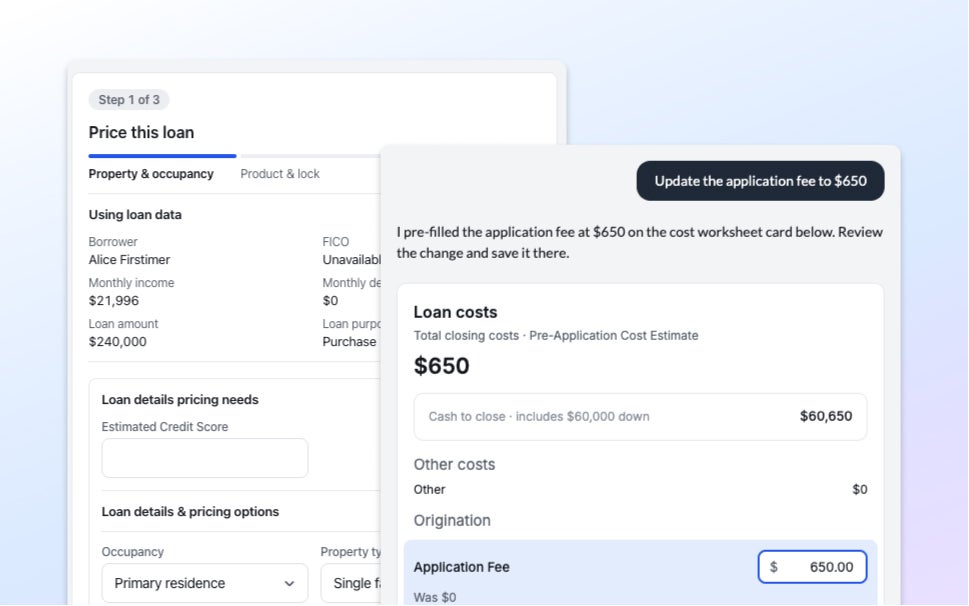
Autopilot Update: Bank Statement Checks, More Income Formats, and Borrower Request Controls
If the transactions don't add up, the statement doesn't pass. Three changes to how Autopilot reads documents.
Read the article about Autopilot Update: Bank Statement Checks, More Income Formats, and Borrower Request Controls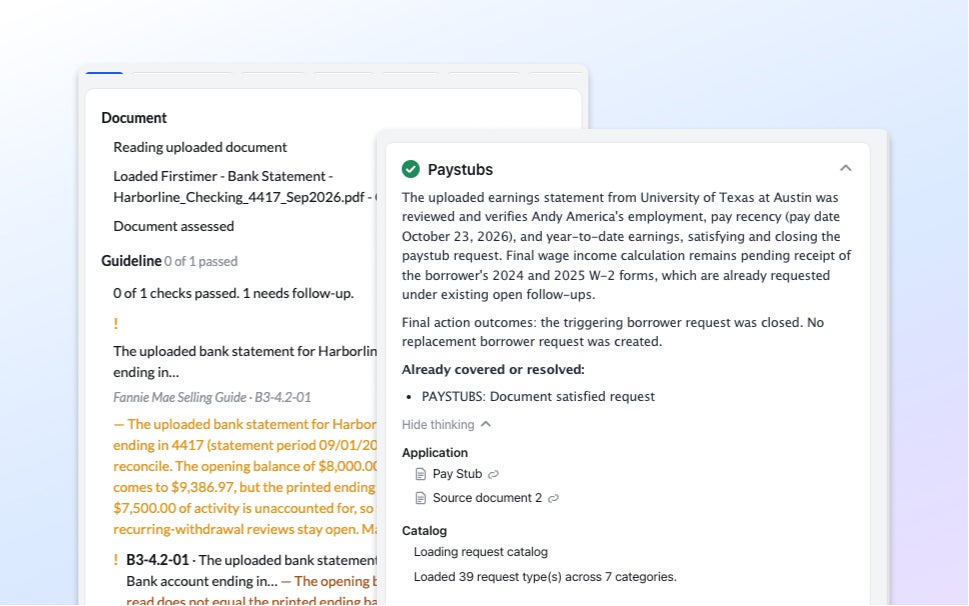
The Mortgage Funnel Doesn’t Work the Way Most Lenders Assume
A year of origination data shows where mortgage funnels actually lose borrowers, and it's rarely where you'd expect.
Read the article about The Mortgage Funnel Doesn’t Work the Way Most Lenders Assume