October 16, 2026 in Blend momentum
Autopilot Update: Navigator Shows Its Work
Navigator is getting clearer about what's happening on a loan.

Until now, loan officers could ask Navigator about a document, a disclosure, or an action, but they didn’t always get the full picture in the conversation. Reviewing a document meant opening a separate viewer. A disclosure could show as complete even if some borrowers never received it. And when an action failed, Navigator returned a generic error.
With this update, loan officers can open documents right in the chat. They can see which borrowers received a disclosure and which still need one. And when an action can’t be completed, Navigator explains what happened and what to do next.
View documents directly in Navigator chat
Before: Navigator could answer questions about documents, but opening the document required leaving the conversation for a separate viewer.
What’s changed: Loan officers can now open and read provider documents directly within a Navigator conversation.
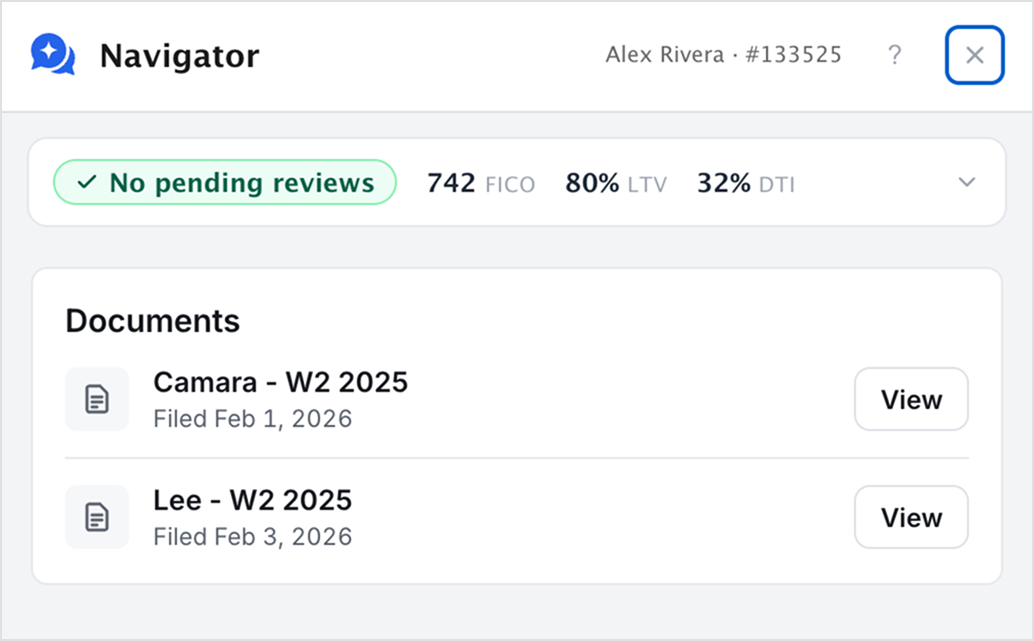
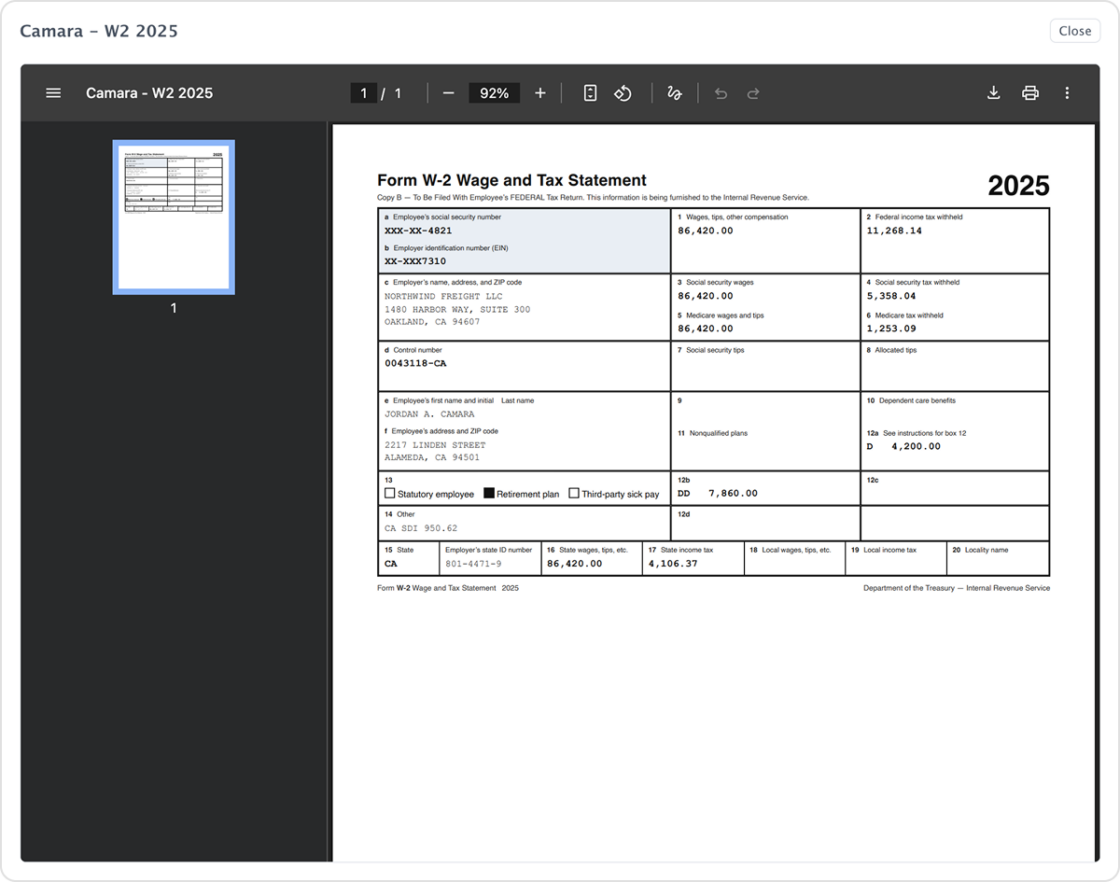
Why it matters: Loan officers can review the document behind an answer without leaving the conversation.
Know when a disclosure wasn’t sent to everyone
Before: On loans with multiple borrowers, a disclosure send could be marked complete even if it succeeded for some borrowers and failed for others.
What’s changed: Navigator now distinguishes between three situations: a missing disclosure package, no borrower recipient, and a partially completed disclosure send.
For partial sends, Navigator reports how many borrowers received the disclosure, how many may have, and how many did not, and advises checking Lending before resending.
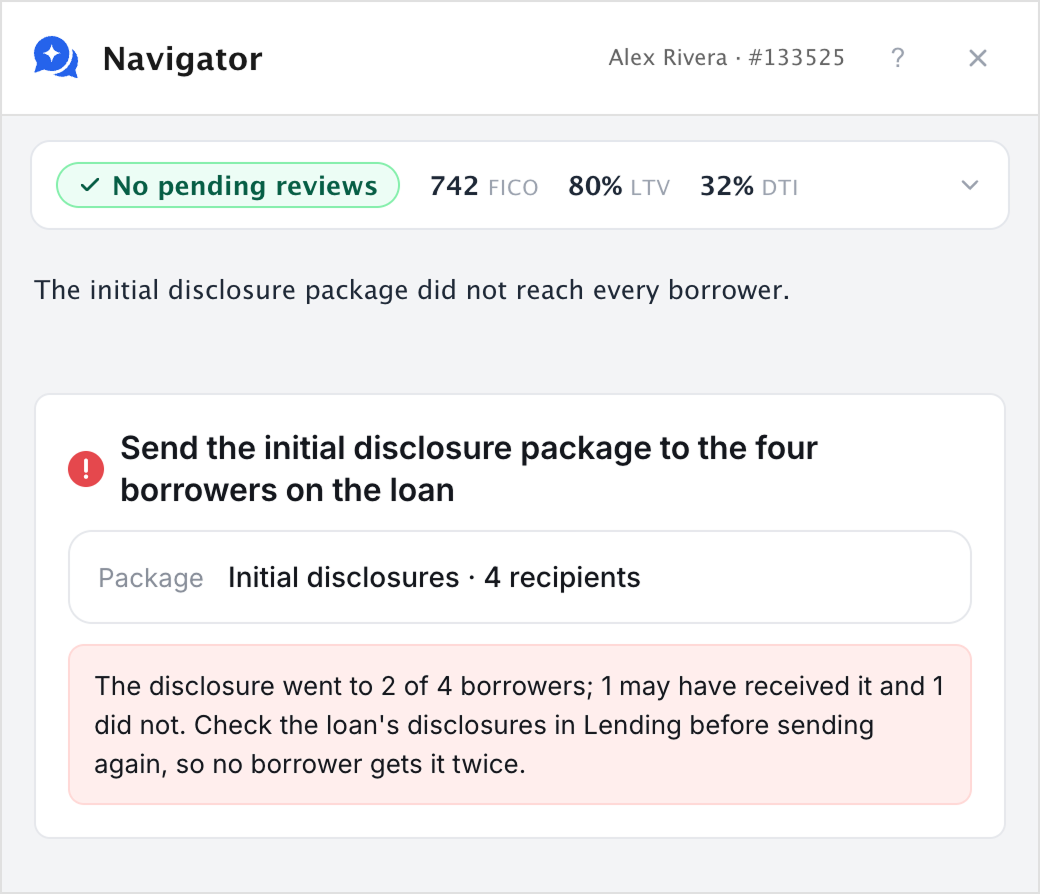
Example: “The disclosure went to 2 of 4 borrowers; 1 may have received it and 1 did not. Check the loan’s disclosures in Lending before sending again, so no borrower gets it twice.”
Why it matters: Loan officers can see which borrowers received their disclosures and which still need one, rather than relying on a single completed status.
Clearer guidance when an action fails
Subscribe to Autopilot updates
Before: When Navigator couldn’t complete an action, it returned a generic error. Loan officers had to figure out what happened and who could resolve it.
What’s changed: Navigator now provides more specific information about failed actions and identifies the next step, whether that’s retrying, contacting an administrator, reaching out to support, or stopping because the issue can’t be resolved through chat.
Several actions now return more precise responses:
- Rate locks: Navigator declines to select a new product when the loan already has a pending or accepted rate lock.
- Credit pulls: Missing credit-pull permissions are identified as an issue an administrator can resolve.
- AUS submissions: Navigator distinguishes a rejected submission from one that was never submitted. For Desktop Underwriter (DU), it also points to the DU log file for the reason and flags when a submission may have gone through despite an error.
- Pricing: Requests with a debt-to-income (DTI) value outside the valid 0-100 range are stopped rather than processed.
Why it matters: Loan officers get clearer guidance on what happened and what to do next, without having to investigate a generic error.
Under the hood
We’ve also made improvements to performance, reliability, and testing.
- Faster, more efficient data access: Reduced unnecessary requests to Lending by reusing information within a conversation and retrieving only the loan fields needed.
- Improved processing: Large chat job results are now passed by reference instead of moving the full results between services.
- More comprehensive evaluations: Expanded chat testing to cover the full tool catalog alongside natural conversation scenarios.
A more proactive Navigator
The common thread in this update is clarity. Navigator now shows the document behind an answer, the real status of every disclosure, and a clear next step when something goes wrong. Loan officers remain in control: consequential actions are still presented for their approval before they’re carried out.
Want to get started with Blend Autopilot? Contact your Blend account team.
For more on what is shipping across Autopilot and Navigator, visit our changelog. It’s updated weekly with the latest improvements and new capabilities.
Find out what we're up to!
Subscribe to get Blend news, customer stories, events, and industry insights.
Intelligence Spotlight: How long does Autopilot take to review a document?
A document uploaded at 10:47 PM is reviewed by 10:48 PM. Autopilot works each file in 15-25 seconds, not the next business day.
Read the article about Intelligence Spotlight: How long does Autopilot take to review a document?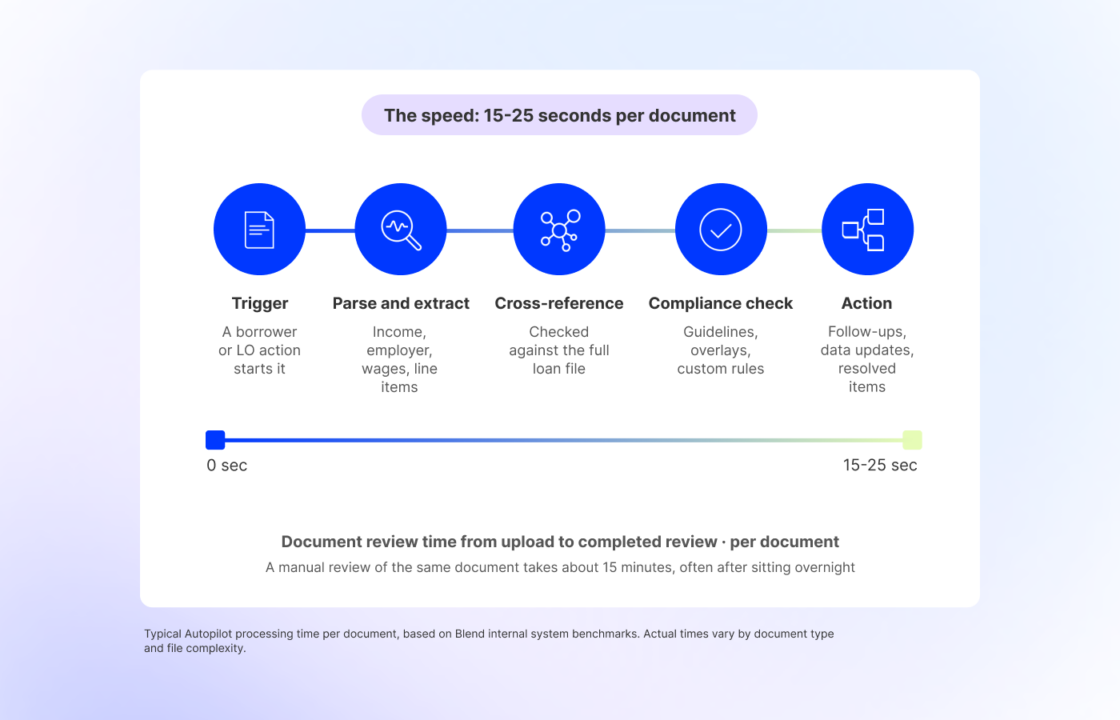
A First Look at Navigator Mobile: An LOA in Your Pocket
It’s an AI agent that works the loan with you, not a chatbot that answers questions. It reads your pipeline, surfaces what needs your attention, keeps you updated as loans…
Read the article about A First Look at Navigator Mobile: An LOA in Your Pocket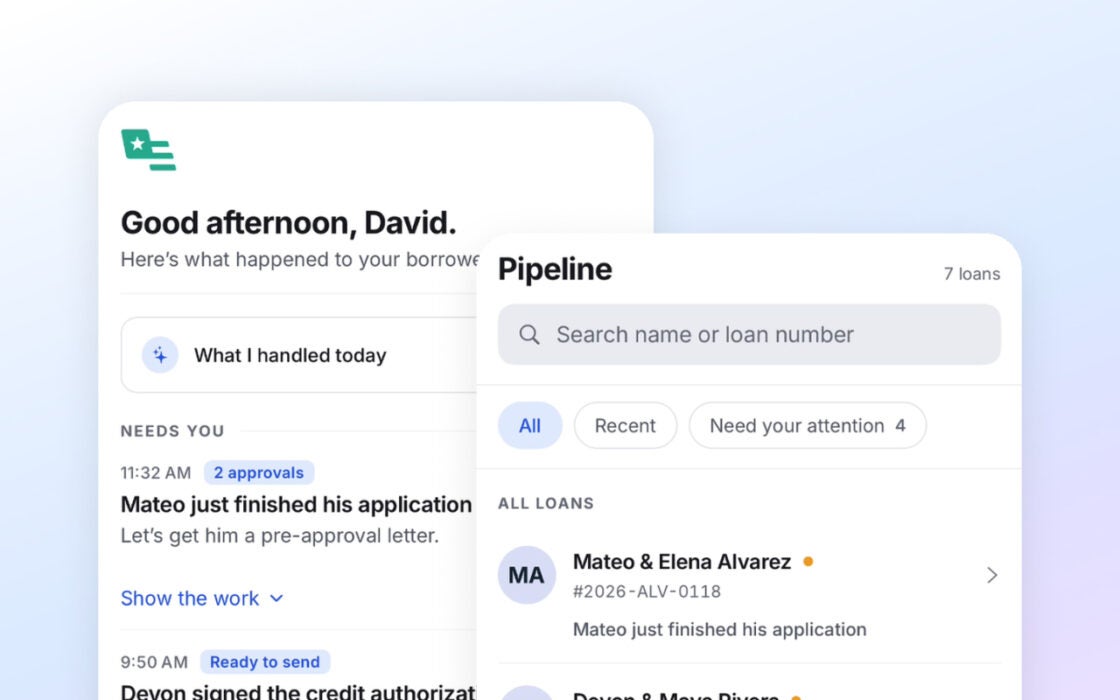
Autopilot Update: Getting the Details Right
This cycle, we tightened that behavior across document review, borrower follow-ups, pricing, AUS, and security.
Read the article about Autopilot Update: Getting the Details Right