
November 20, 2026 in Blend momentum
Autopilot Update: Navigator Takes on More of the Loan File
The best loan officers spend their day with borrowers, not hunting for the right screen. Navigator is built around that idea: say what needs to happen, approve the change, and keep moving.

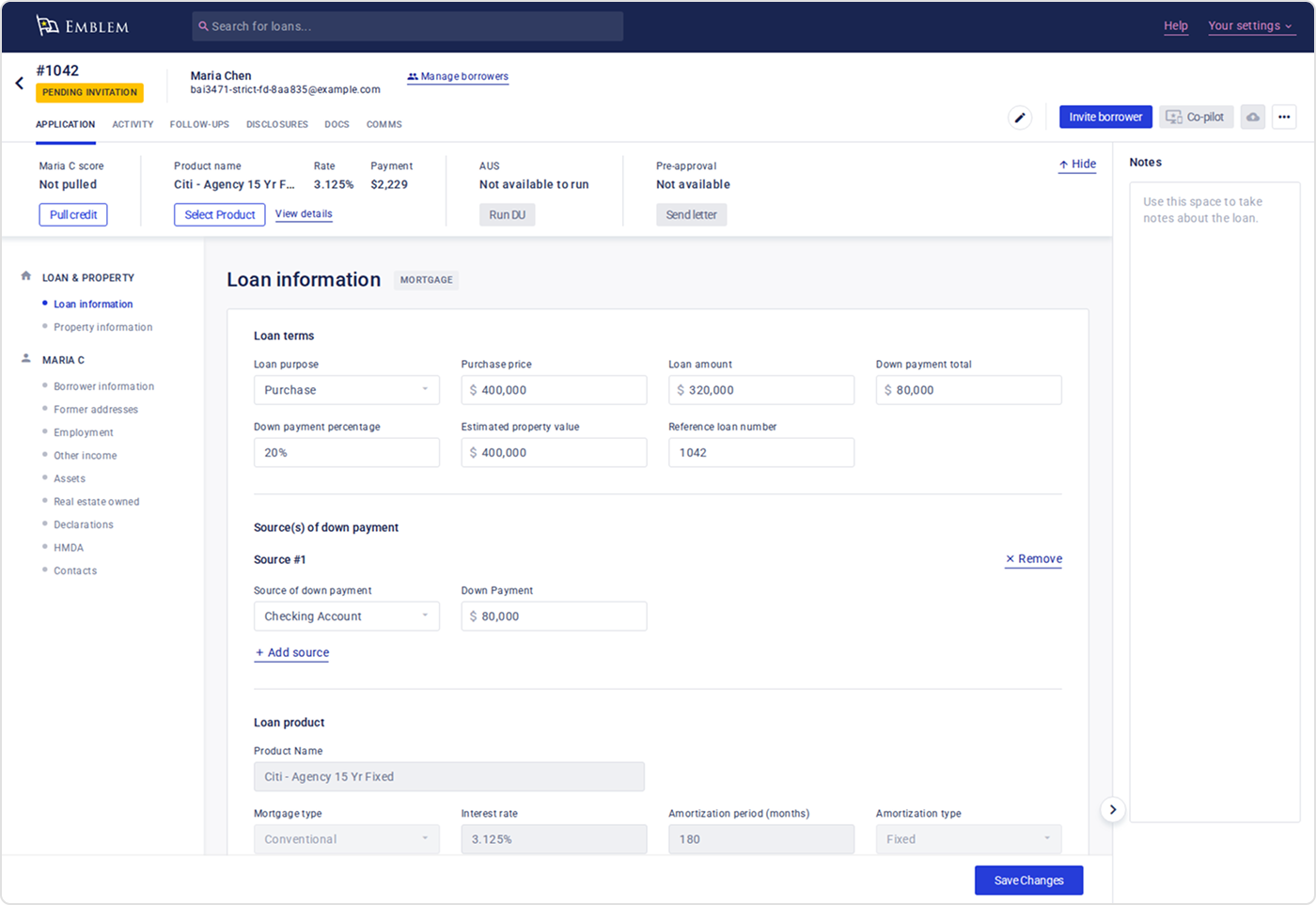
This week, Navigator takes on more of the loan file. Loan officers can now add a down payment gift, a real estate agent, a former address, or a subject property address just by asking. When a borrower’s income comes in lower, Navigator lays out the whole fix as one guided run, from repricing to the pre-approval letter. And pre-underwriting summaries now show at a glance who needs to act next.
The loan officer stays in control throughout. Navigator stages each change and waits for their approval before saving it.
Subscribe to Autopilot updates
Navigator handles more of the loan file
Loan officers can now ask Navigator, in plain language, to add:
- A real estate agent contact to the loan
- A borrower’s former address
- A down payment gift, entered as a source of the down payment
- A subject property address
Until now, Navigator told loan officers these changes weren’t supported in chat and sent them to manual entry screens. Now it stages each change as a card, and nothing is saved until the loan officer approves it. If something is missing, Navigator asks first: an agent’s name, or how to split a gift that’s larger than the down payment.
One guided run when income drops
When a pre-approved borrower’s income comes in lower, a lot can change at once: pricing, the AUS result, and whether the pre-approval letter is still supported. Before, Navigator only offered to email the borrower. Now it lays out the whole fix as one guided run:
- Reprice the loan
- Pick a new rate
- Rerun AUS
- Keep, update, or hold the pre-approval letter
- Draft a note to the borrower
The loan officer approves each step before anything changes. If the letter was issued outside Navigator, Navigator asks the loan officer to check it by hand instead of comparing it.
For lenders who use their own guideline overlays and turn on the setting, Autopilot also re-underwrites a loan when its selected pricing product changes, so findings are refreshed under the newly selected product’s guidelines.
Pre-underwriting summaries, on request
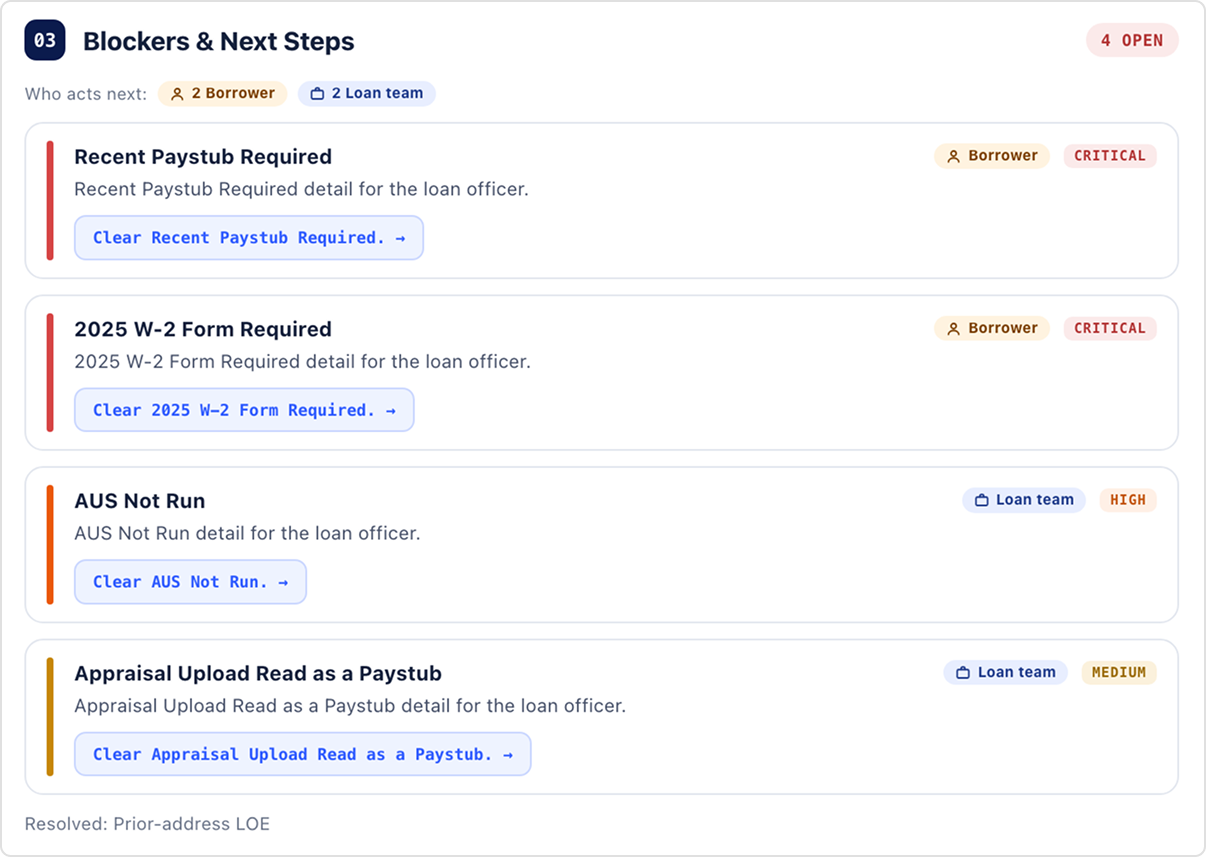
Loan officers can now ask Navigator for a pre-underwriting summary instead of waiting for one to generate on its own. Once the loan officer approves, the summary is generated and filed to the loan as a PDF. It’s available once Autopilot has reviewed the loan.
Each outstanding item in the summary is now labeled by who’s expected to act next, either the borrower or the loan team, so it’s clear at a glance what to chase and what to handle in-house. Summaries are a starting point for the loan team’s review.
Fewer clicks for everyday tasks
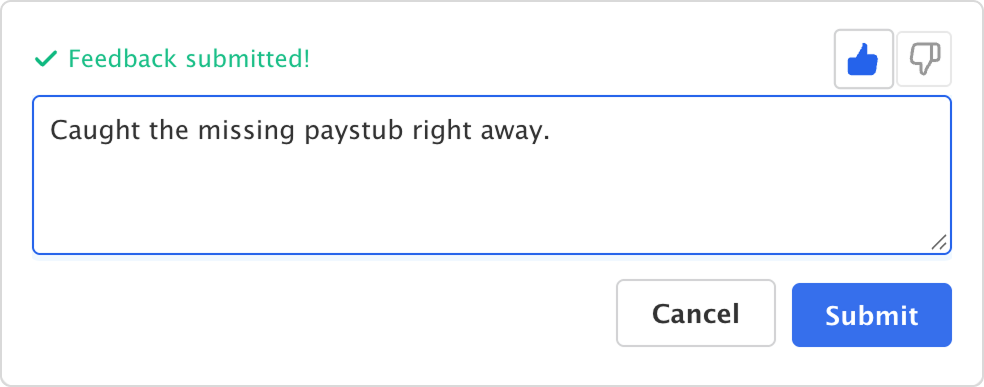
Say what worked. Loan officers could already flag a response that missed the mark. Now they can add an optional comment when they give a thumbs-up, too, so loan officers can say what’s working, not just what isn’t.
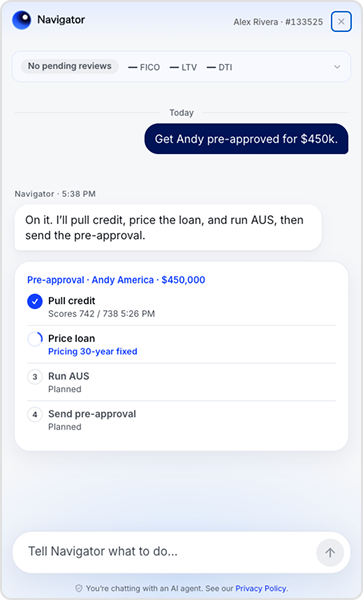
Keep the plan in view. When Navigator is working through a multi-step plan, such as a pre-approval, the active plan now stays pinned at the top of the web drawer, so loan officers can track progress without scrolling back up the conversation.
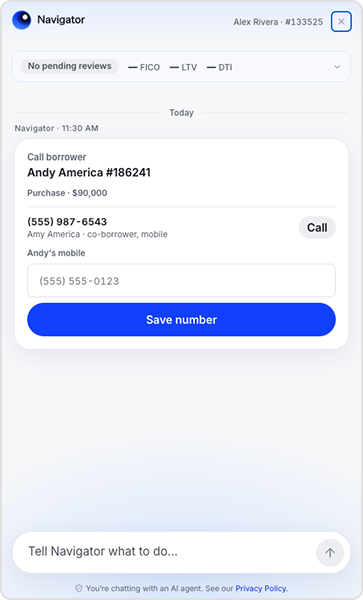
Save a missing mobile number from the call card. If a borrower has no mobile number on file, the loan officer can type it straight into the call card and save it to the loan.
Under the Hood
- Letter status reflects what Lending confirms. When Lending can’t confirm that an email was delivered, a letter now shows as saved rather than sent.
- E-signed disclosures show as signed. Disclosures now show as signed when Lending has an e-signature record for them, so Autopilot no longer treats them as unsigned.
This week’s updates have one thing in common: less leaving the conversation. Loan officers can update more of the loan file, work through an income change, and see who owes the next step, all from Navigator, and they approve each change Navigator stages before it’s saved.
To get started with Blend Autopilot, contact your Blend account team.
For more updates across Autopilot and Navigator, visit our changelog, updated weekly.
Find out what we're up to!
Subscribe to get Blend news, customer stories, events, and industry insights.
The AI-Powered Pipeline: How Conversational Workflows Drive Higher Pull-Through and Faster Closings
A look at how Autopilot and Navigator work mortgage files before your team even logs in.
Watch video about The AI-Powered Pipeline: How Conversational Workflows Drive Higher Pull-Through and Faster Closings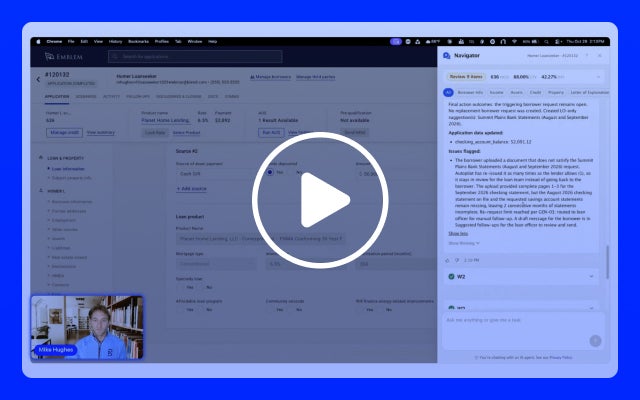
The AI-Powered Pipeline: How Conversational Workflows Drive Higher Pull-Through and Faster Closings
A look at how Autopilot and Navigator work mortgage files before your team even logs in.
Watch video about The AI-Powered Pipeline: How Conversational Workflows Drive Higher Pull-Through and Faster Closings
Stop Asking for Paystubs First: Why Income Verification Is a Sequencing Problem
M&T Bank moved income verification to the point of sale and reduced its costs, income conditions, and days to clear to close. The harder part was getting its teams to…
Read the article about Stop Asking for Paystubs First: Why Income Verification Is a Sequencing Problem